hdrcompose
hdrcompose is a simple command line utility to create HDR images or tonemapped images. Given multiple images of different exposure it calculates a high dynamic range floating-point TIFF image. Tonemapping can be enabled additionally.
Features
- Monotonic behavior for each pixel and input image
⇒ avoiding artifacts often seen in images created by other algorithms - Global tonemapping operator for realistic image reproduction using Hunt-Pointer-Estevez fundamentals for calculations
- Optional chromatic adaption (white balance) based on CIECAM02's chromatic adaption matrix
- Optional Conversion from sRGB to Adobe RGB and vice versa while tonemapping
- Output as floating-point TIFF images (use ImageMagick or similar tools, to convert the output into any other desired format, e.g. JPEG)
Example images
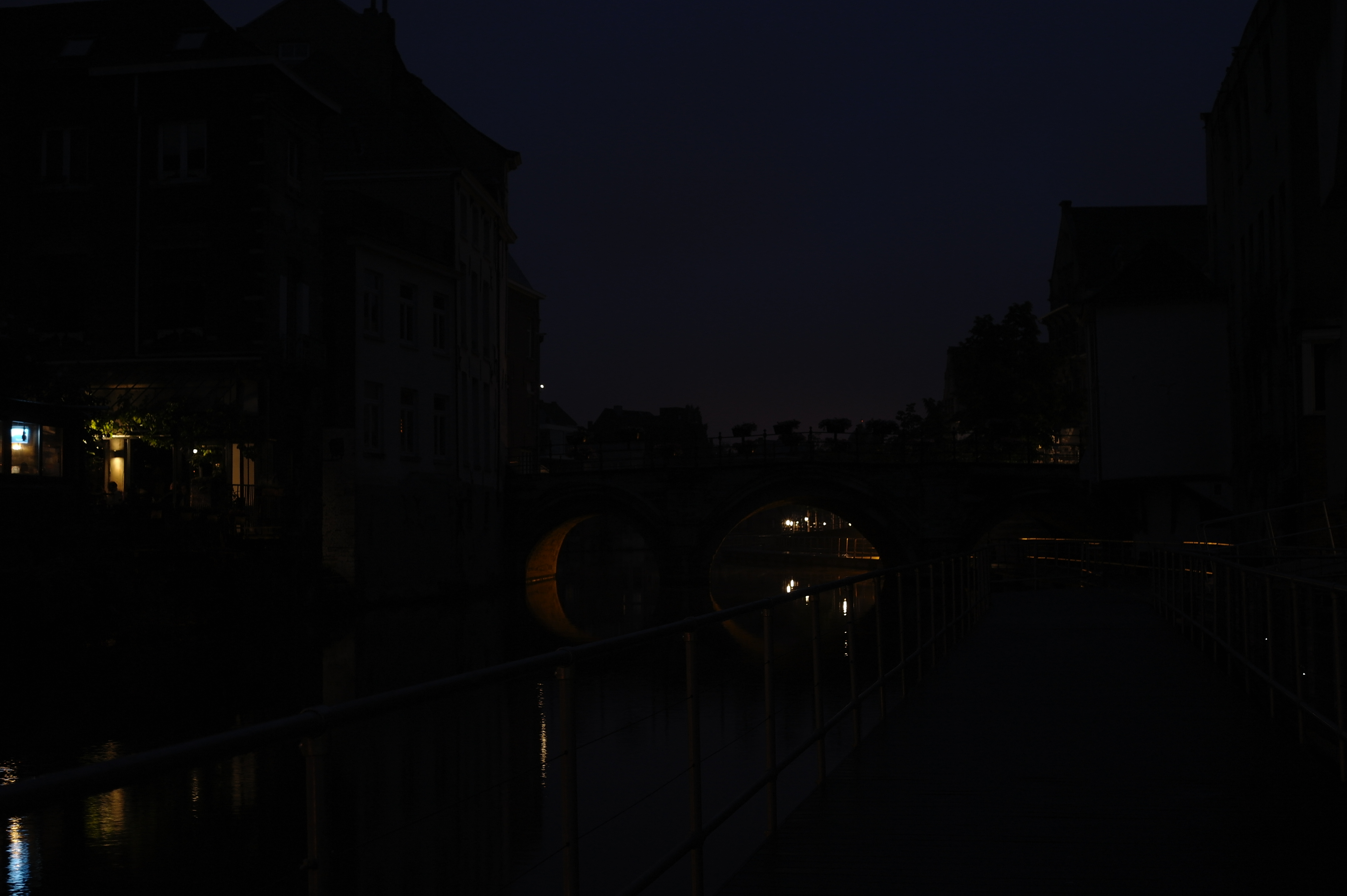
- Input images in Adobe RGB color space:
- low-exposure.jpg (−3 EV)
- medium-exposure.jpg
- high-exposure.jpg (+3 EV)
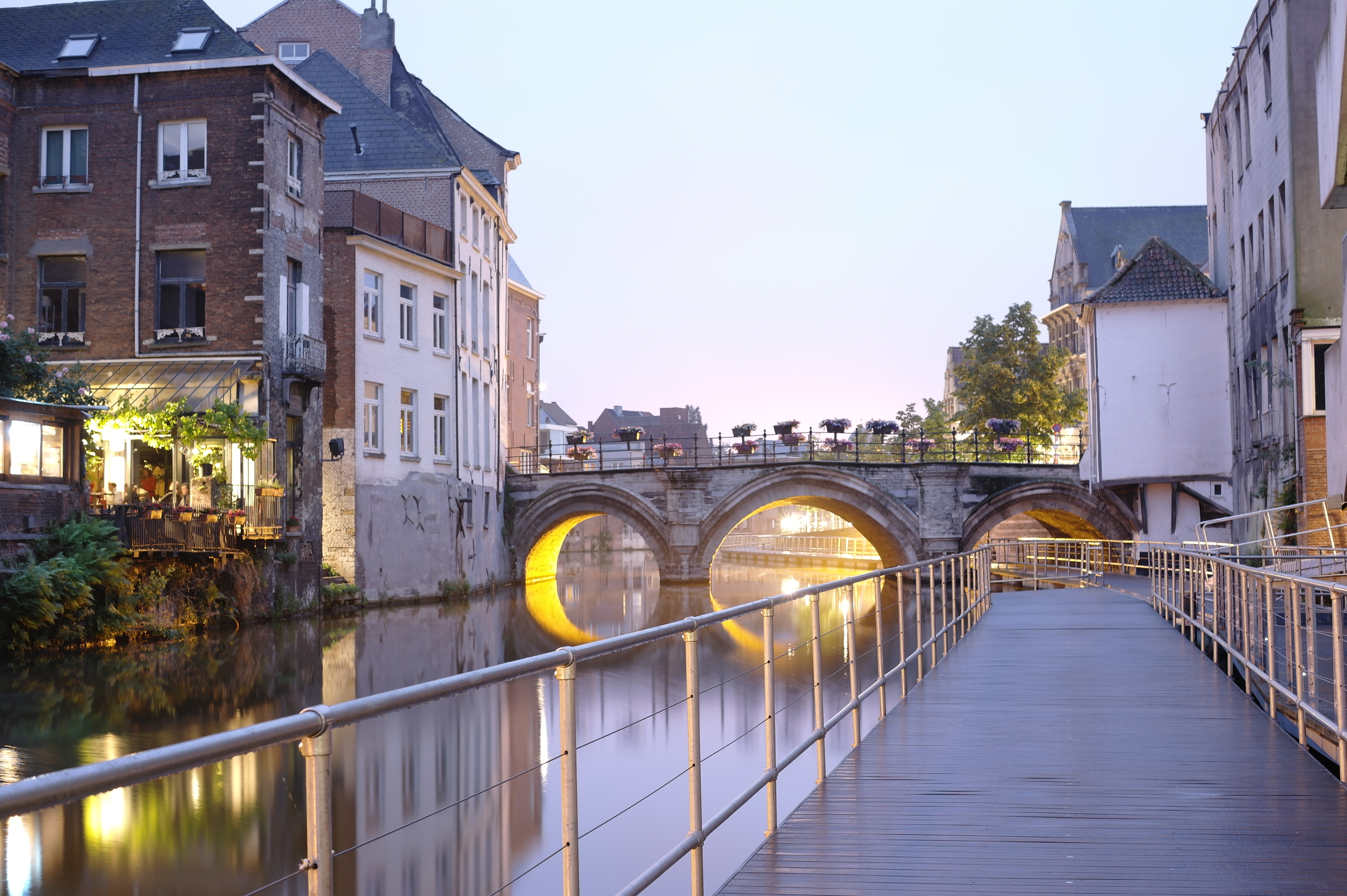
- Output image in sRGB color space:
- tonemapped.jpg (l=0.0, s=1.0, c=0.0, k=0.5)


Dependencies
How to compile
(Replace /usr/local/include and /usr/local/lib as neccessary for libtiff.)
Download
- hdrcompose.c (Version 0.6)
- hdrcompose.c (Version 0.5)
- hdrcompose.c (Version 0.4)
- hdrcompose.c (Version 0.3)
- hdrcompose.c (Version 0.2)
- hdrcompose.c (Version 0.1)
Changes
- 2012-07-11: Version 0.6
- Slight change in tonemapping formula: Directly compress luminosity
- 2012-06-25: Version 0.5
- Parameter "k" adjusts weighted geometric mean instead of weighted arithmetic mean (better behaviour with intensive colored highlights)
- 2012-06-24: Version 0.4
- Better clipping behaviour
- Changed default adaption factor
- 2012-06-19: Version 0.3
- Tonemapping algorithm included
- 2011-11-27: Version 0.2
- New formula providing monotonic behavior for each pixel and input image (old formula contained an error)
- Load only one input image at once (saves memory)
- 2011-01-24: Version 0.1
- Initial release